From Sign Up to First Sale: How Tapizy Works
Setup your entire restaurant automation system in less time than it takes to prep your station.
We built Tapizy because we were tired of complicated, expensive POS systems that required an engineering degree to set up. Tapizy is designed to be "plug and play." Here is exactly how to get your food truck or restaurant running on Tapizy in four simple steps.
Step 1: Create Your Digital Menu
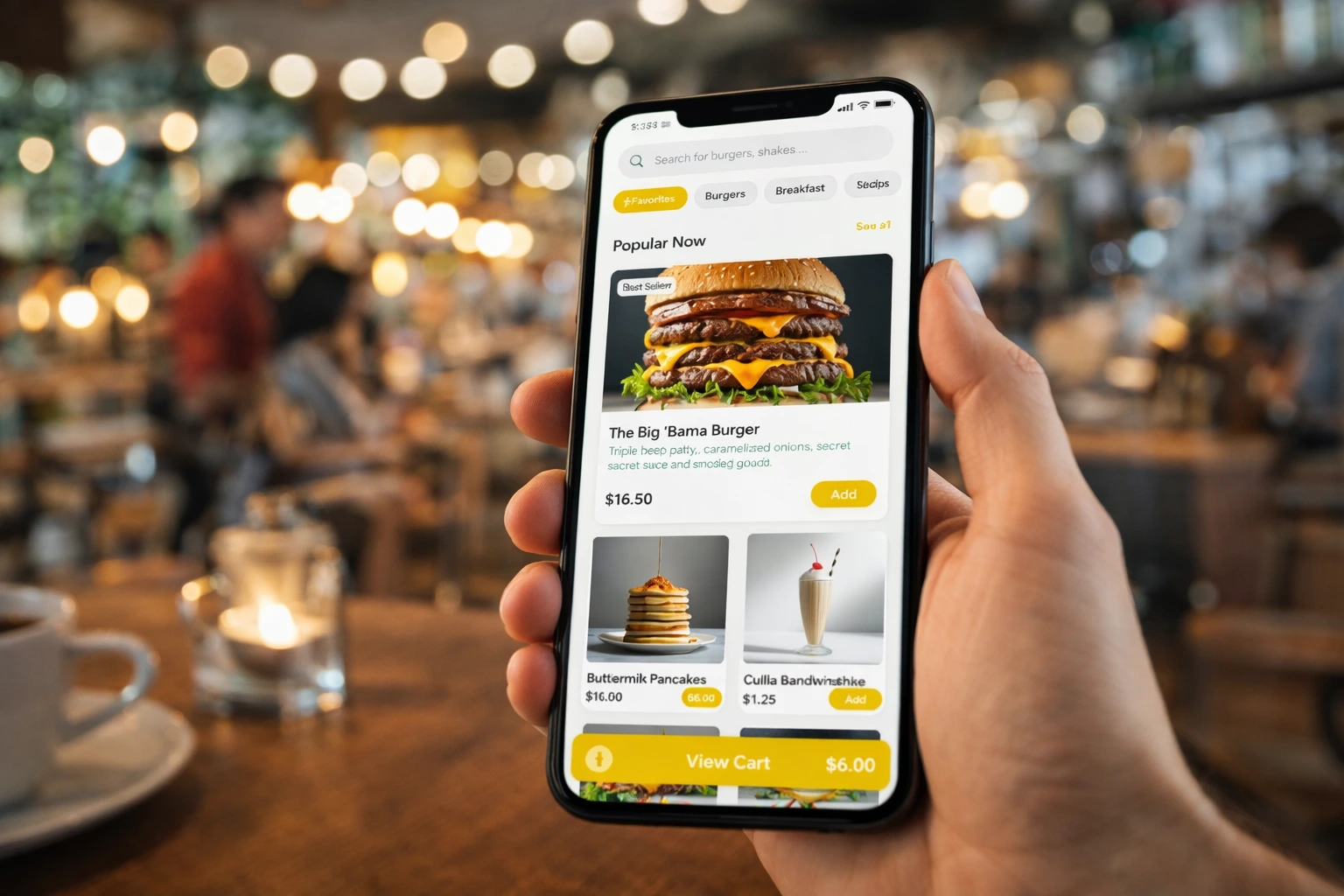
Once you sign up, you'll land on your dashboard. Use the "Menu Manager" to add your categories (e.g., Burgers, Drinks, Sides) and items. You can upload photos, set prices, and add modifiers (like "Extra Cheese").
Step 2: Generate Your QR Codes
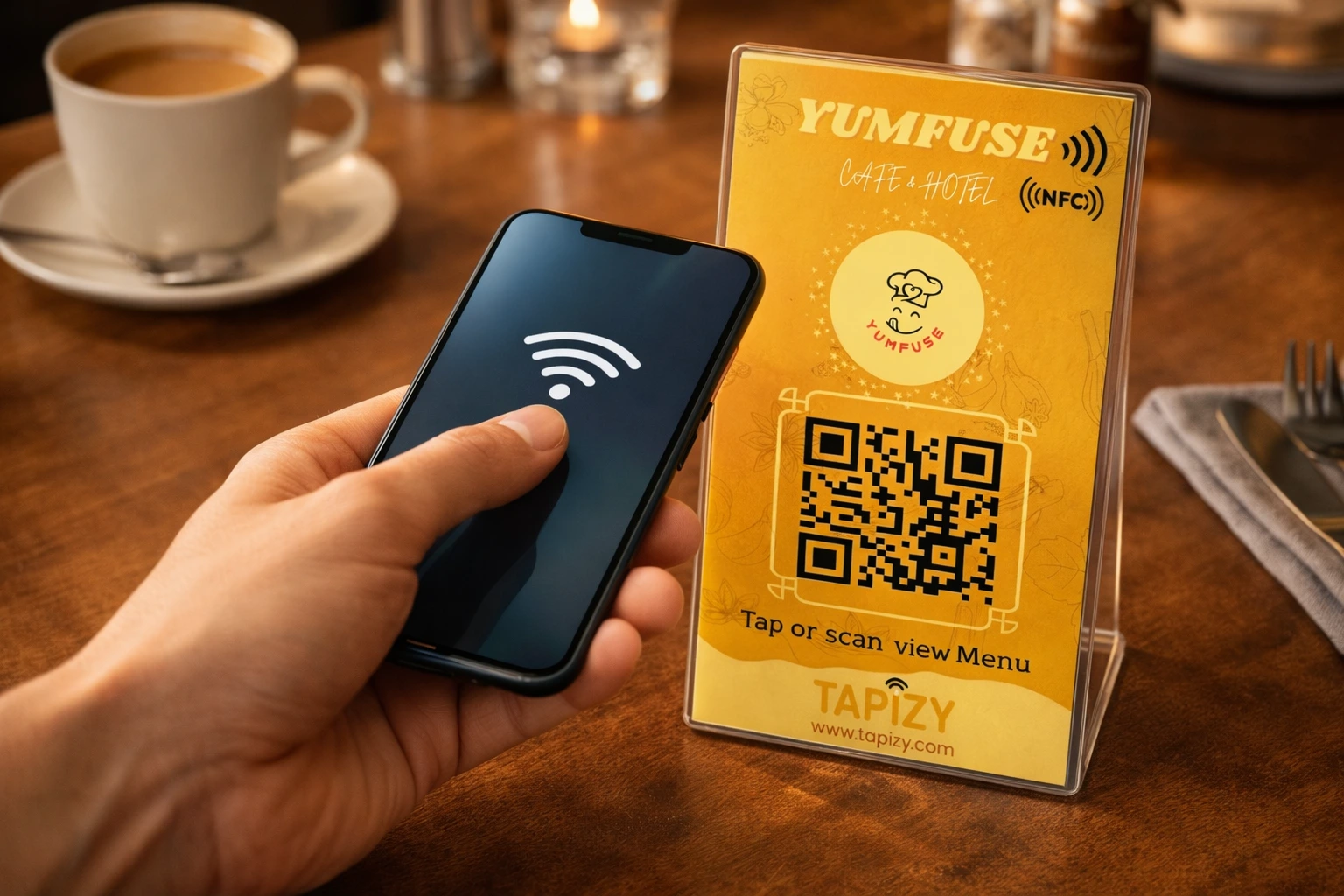
Tapizy automatically generates a unique QR code for your shop. You can download this immediately. If you have tables, you can generate specific codes for "Table 1," "Table 2," etc., so you know exactly where to deliver the food.
Step 3: Connect Hardware (Optional)
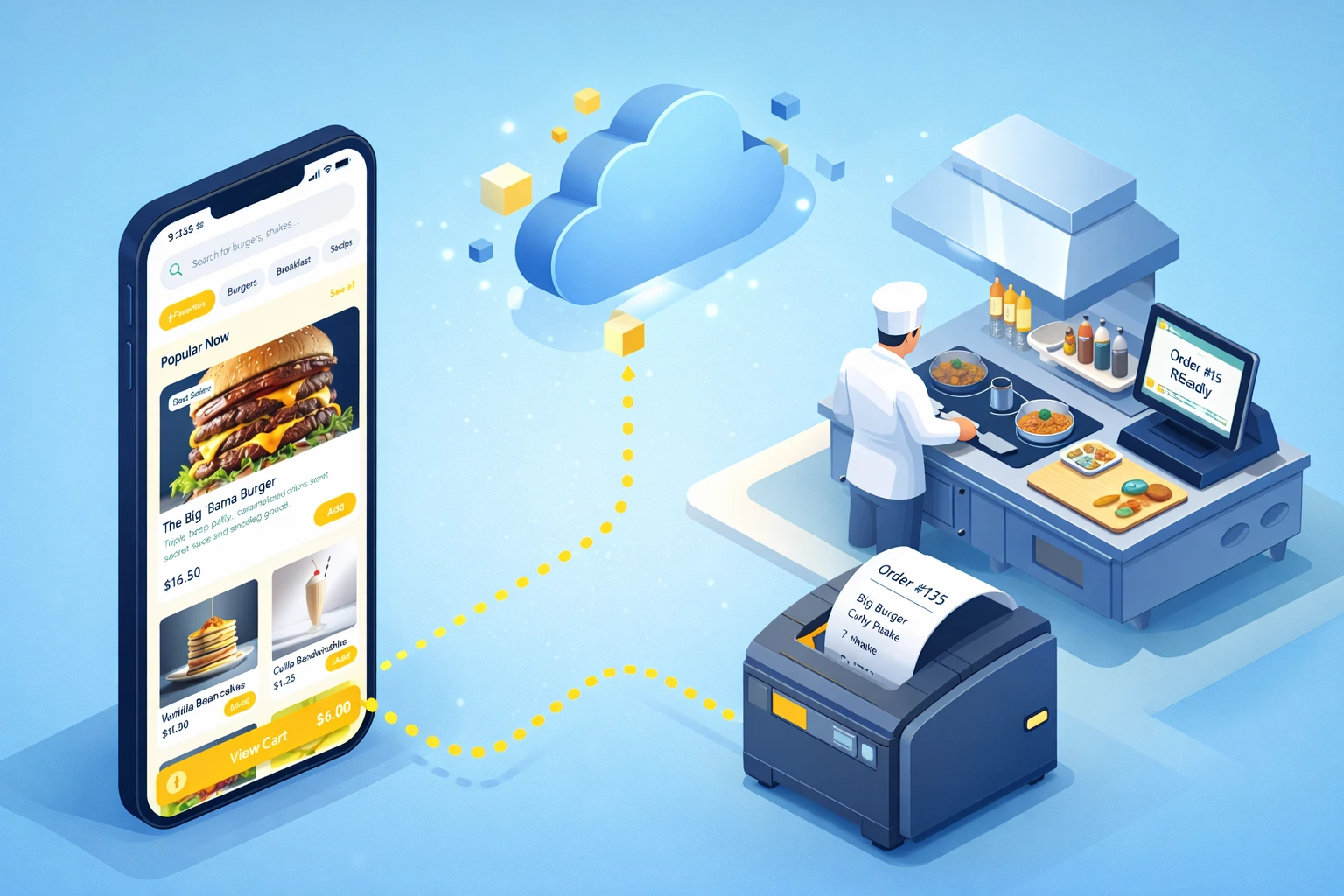
If you're using our Bluetooth thermal printer, turn it on and pair it with your tablet via Bluetooth. In the Tapizy app settings, select the printer. Now, every time an order comes in, a kitchen ticket will print automatically.
Step 4: Go Live!
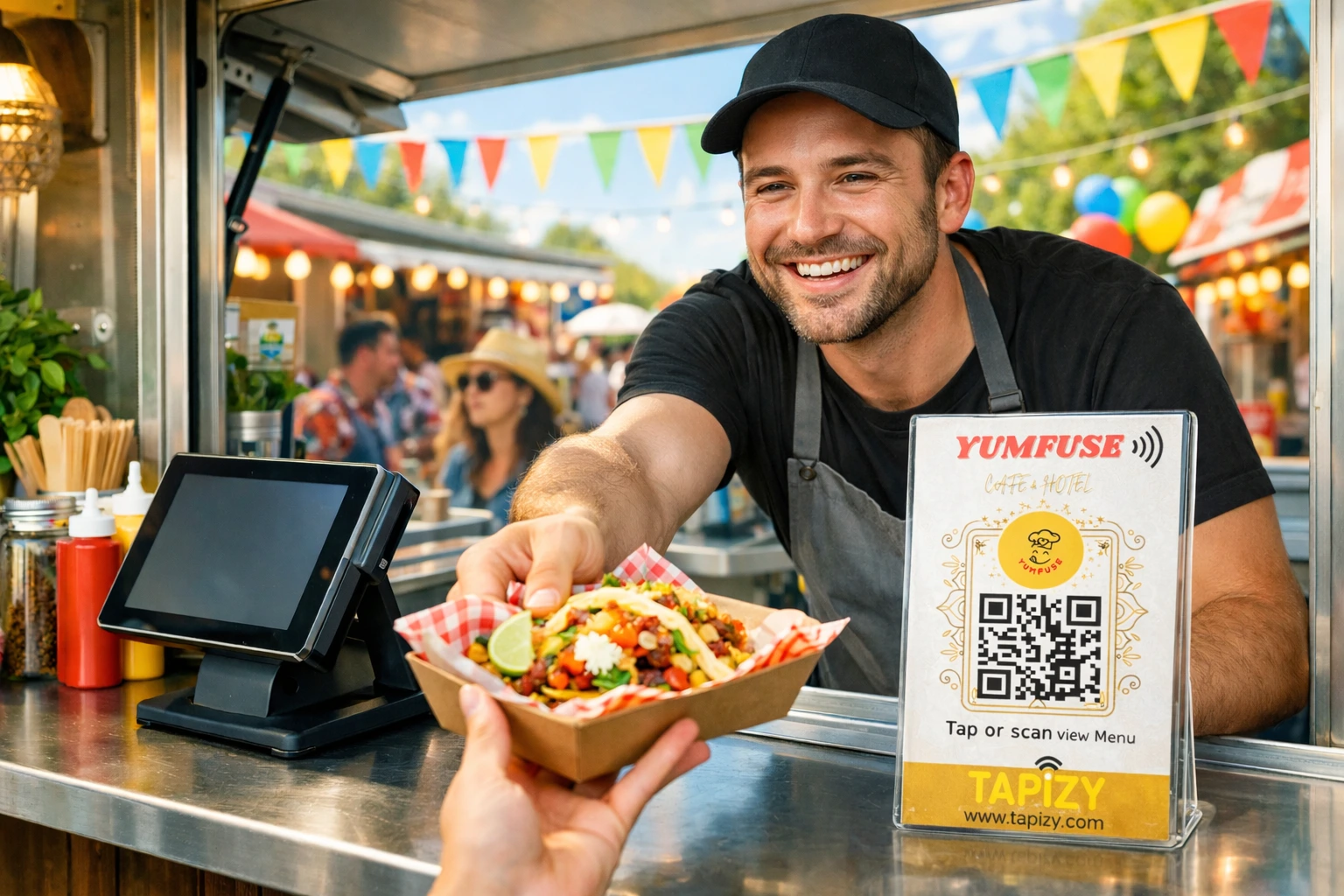
That's it. Post your QR codes, hand out your NFC cards, or just open the Tapizy Register on your tablet to take orders manually. You'll see sales populate in your dashboard in real-time.